Install Libreboot on HP EliteBook 2560p/2570p
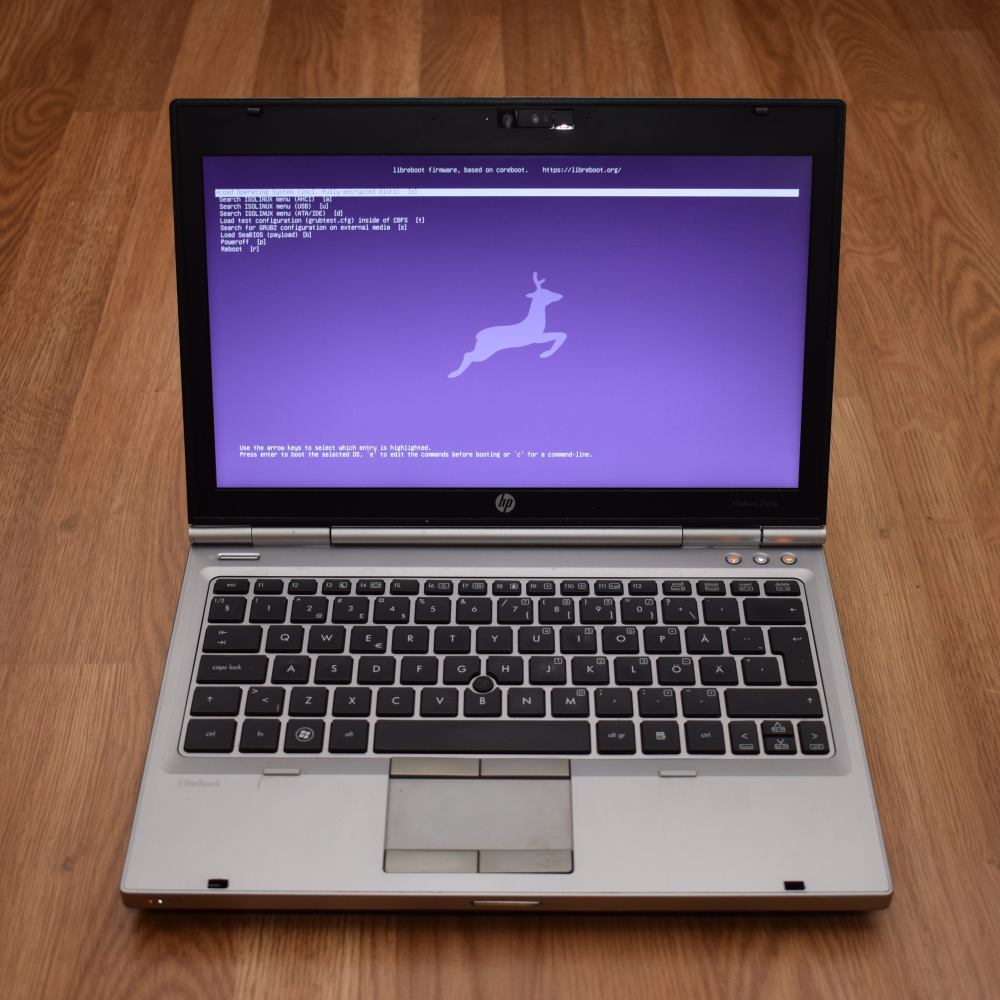
| Specifications | |
|---|---|
| Manufacturer | HP |
| Name | EliteBook 2560p/2570p |
| Released | 2011/2012 |
| Chipset | Intel QM67/MQ77 |
| CPU | Socket G2, Intel Sandy/Ivy Bridge |
| Graphics | Intel HD 3000/4000 |
| Display | 12.5" 1366x768 |
| Memory | 16GB DDR3L SODIMMS (2x8 GB) |
| Architecture | x86_64 |
| EC | SMSC KBC1126, proprietary |
| Intel ME/AMD PSP | Present, Disabled with me_cleaner. |
| Flash chip | SOIC-8 8MiB or Soic-16 16MiB |
Get the ROM image
Download from release
If you’re using a release ROM, please ensure that you’ve inserted extra firmware required refer to the guide for that (, failure to adhere to this advice will result in a bricked machine)
- Intel ME (vendor blob)
Build from source
For the older one:
./mk -b coreboot hp_elitebook_2560p_8mbFor the newer one:
./mk -b coreboot hp_elitebook_2570p_16mbInternal/Software Flashing
Default Libreboot firmwares updatable.
External/Hardware Flashing
REMOVE all power sources like battery, charger and so on, before doing this. This is to prevent short circuiting and power surges while flashing; although the flash is socketed, hot-swapping is generally a bad practice and must be avoided.
The flash chip is located between the memory slots and the PCH, covered by the base enclosure. More here
Check the hw-flashing guide before moving onto the next step below.
Flash it: (With rpi-pico as an example, edit the line if needed.)
flashprog -p serprog:dev=/dev/ttyACM0,spispeed=16M -w filename.romSet MAC address
This platform uses an Intel Flash Descriptor, and defines an Intel GbE NVM region. As such, release/build ROMs will contain the same MAC address. To change the MAC address, please read nvmutil documentation.
Expanded_Specifications
Difference: 2560p / 2570p
*1 HP Docking Stations compatible; HSTNN-I16X models
Markdown file for this page: https://libreboot.org/docs/install/hp2560p.md
This HTML page was generated by the Libreboot Static Site Generator.