EDK2 UEFI payload in Libreboot
EDK2 is Intel’s reference implementation of the UEFI boot specification. It is free software, released under a BSD-style license; many proprietary vendors fork it for their own products, but Libreboot uses Intel’s BSD licensed code in a special fork that enables use as a coreboot payload. Full source code of this EDK2 version is provided by Libreboot in Libreboot 26.10 or newer.
Libreboot provides an entirely free distribution of EDK2, designed specifically for use with Libreboot. It is imported from the MrChromebox EDK2 project.
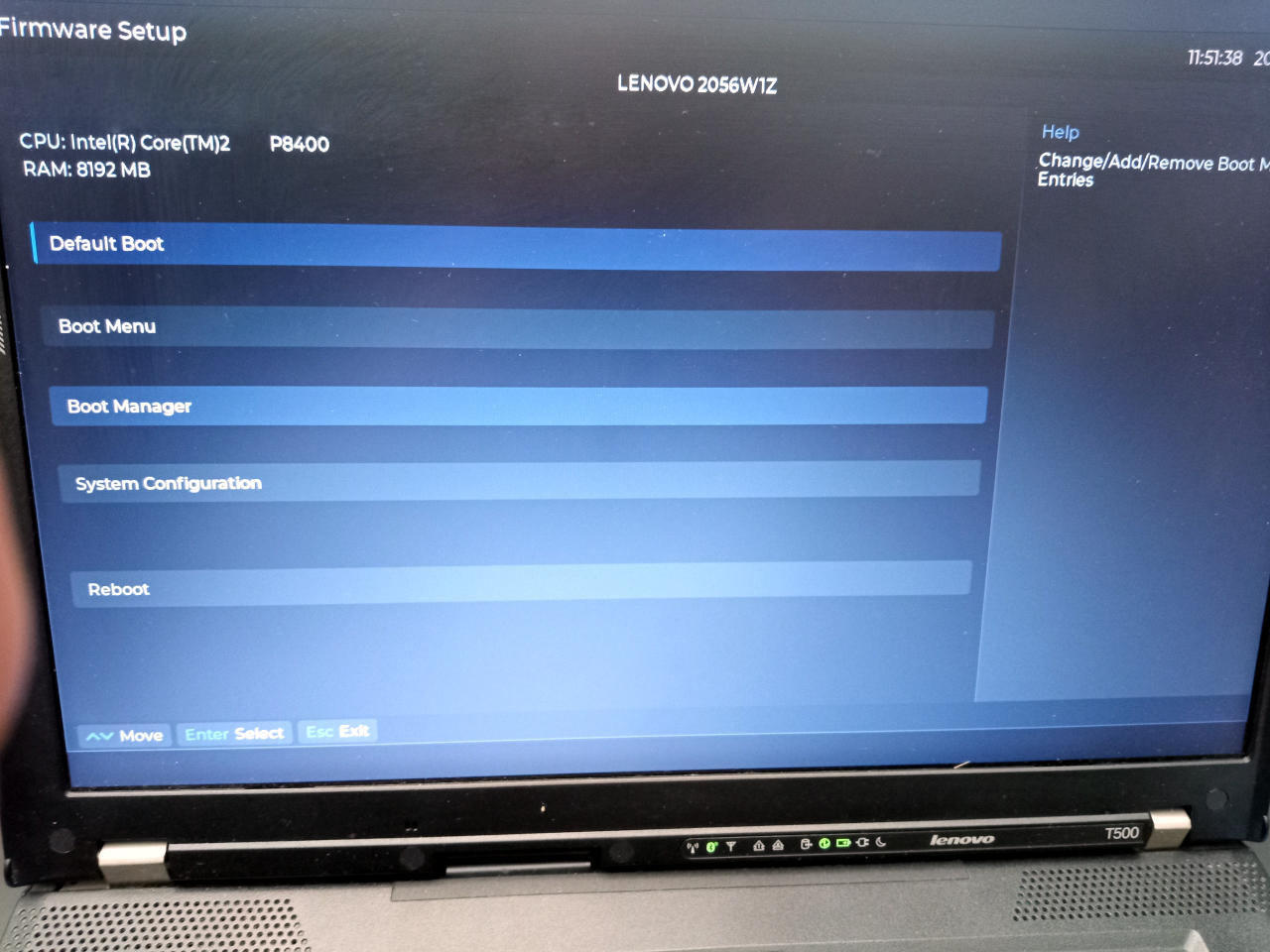
With this, Libreboot provides a full industry-standard UEFI implementation, capable of booting any UEFI-compliant operating system. Many Linux distributions can be booted much more reliable, with standard bootloaders; for example, use of systemd-boot with UKI is possible.
This page also contains general guidance about EDK2 on all boards that use it, which is nearly all boards.
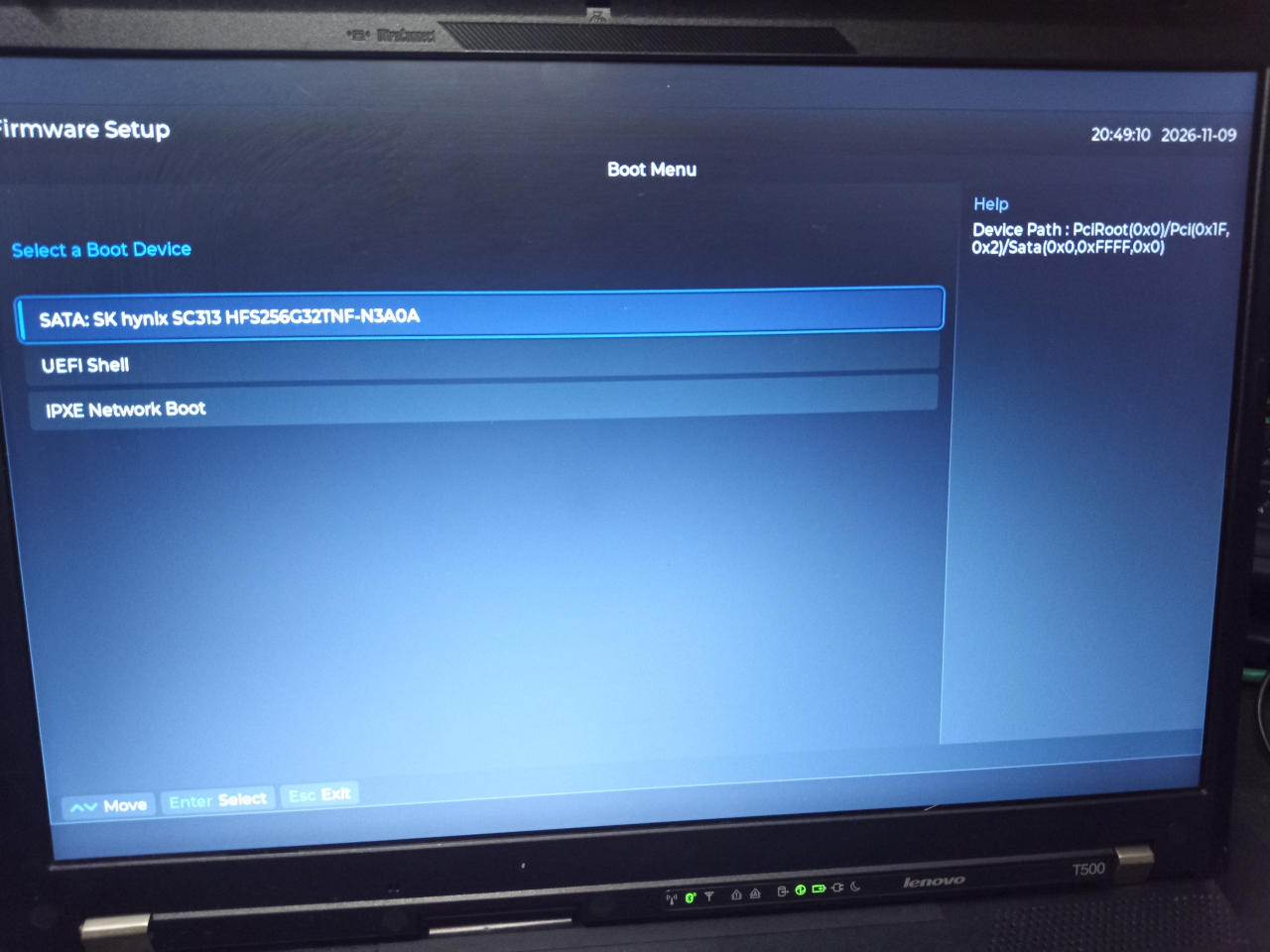
As shown in the photos, you can select a boot device; to change the automatic boot order, go to Boot Manager in the menu, and a menu will be present that lets you choose the order in which devices are booted. Press F10 to save any changes, and press Y to confirm when prompted.
An iPXE payload is also provided in the build.
General EDK2 guidance
WARNING: If migrating from other firmware: take note of the flash layout. In general, you should flash the entire chip/region before considering whether to skip flashing the SMMSTORE fmap region as below - please only follow the notes below about SMMSTORE/COREBOOT fmap section if updating from one Libreboot version to a newer one, as Libreboot’s layout won’t change but the layout may differ with other firmware.
We use SMMSTORE by default. You can use this option in flashprog when updating the ROM (ONLY if your current flash layout is identical to the new one that you want to flash):
--fmap -i COREBOOTUse these options in flashprog, to flash just the COREBOOT section. This avoids overwriting SMMSTORE which contains settings, otherwise you will restore your settings to default when updating.
Besides this, you can pretty much use EDK2 like you would any other UEFI firmware. Most users should pick it up easily when they boot with it.
Boot an operating system
Users familiar with proprietary/vendor UEFI firmware will probably be able to figure out Libreboot’s EDK2 interface, as it is the same firmware. We use the version that is Free Software.
Nearly all Intel/AMD boards use the EDK2 payload exclusively, in Libreboot. A few legacy boards use the SeaBIOS payload instead; those that have EDK2, only have EDK2, to avoid confusion.
Board support
Nearly all boards use EDK2 in Libreboot.
A few 64-bit Intel/AMD boards need text-mode startup because no framebuffer mode is available yet - these still use SeaBIOS.
Legacy 32-bit Intel hardware uses SeaBIOS.
Generally speaking, you can assume that your Intel/AMD board uses EDK2. Please note: ARM64 chromebooks use U-Boot.
The bare GRUB payload was removed; GRUB EFI also removed since Libreboot 26.11. Modern Libreboot is boring, conservative UEFI firmware. Libre UEFI firmware. Conservative is good.
Markdown file for this page: https://libreboot.org/docs/install/edk2.md
This HTML page was generated by the Libreboot Static Site Generator.