Install Libreboot on Intel D945GCLF(2/D)
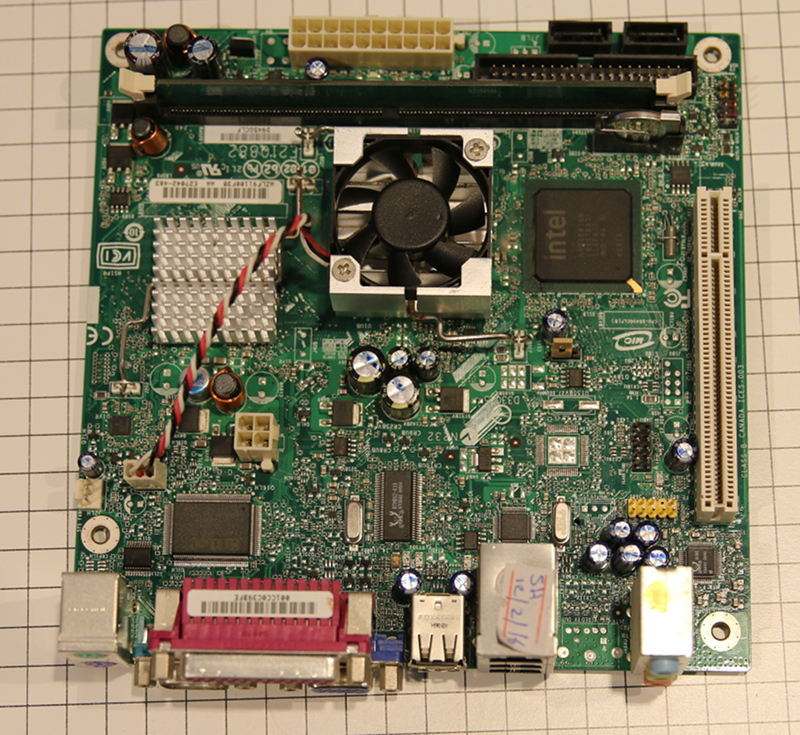
| Specifications | |
|---|---|
| Manufacturer | Intel |
| Name | D945GCLF(2/D) |
| Variants | D945GCLF, 2, D |
| Released | 2008 |
| Chipset | Intel 945GC |
| CPU | Intel Atom 230 / 330 (***2/D) |
| Graphics | GMA 950 |
| Memory | 2GB DDR2 SODIMM (1x2GB) |
| Architecture | x86_64 |
| Original boot firmware | Intel BIOS |
| Intel ME/AMD PSP | Not present. |
| Flash chip | SOIC-8 512KiB |
W+: Works without vendor firmware;
N: Doesn't work;
W*: Works with vendor firmware;
U: Untested;
P+: Partially works;
P*: Partially works with vendor firmware| Features | Notes | |
|---|---|---|
| Internal flashing with original boot firmware | N | |
| Display | - | |
| Audio | W+ | |
| RAM Init | W+ | |
| External output | W+ |
Get the ROM image
Download from release
Build from source
The build target, when building from source, is thus:
./mk -b coreboot intel_d945gclf_512kb_bioswith a 8mb flash;
./mk -b coreboot intel_d945gclf_8mb_biosInternal/Software Flashing
Default Libreboot firmwares updatable.
External/Hardware Flashing
The vendor bios write protects the flash, so it requires external flashing to install libreboot on this device;
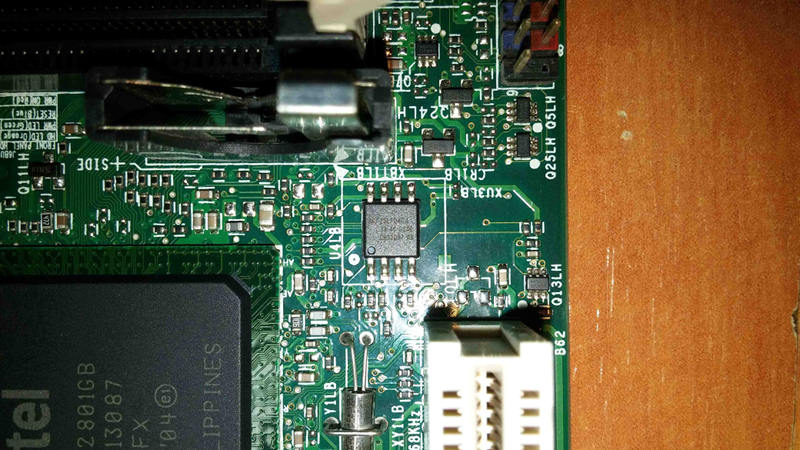
Check the hw-flashing guide before moving onto the next step below.
Flash it: (With rpi-pico as an example, edit the line if needed.)
flashprog -p serprog:dev=/dev/ttyACM0,spispeed=16M -w filename.romRemarks about vendor bios and small flash chip
Without coreboot/libreboot this board is completely useless, since the vendor bios is very bad. It cannot boot from any HDD whether it is connected to the SATA port or USB.
With libreboot it works fine, but the flash chip is very small, 512KiB, so grub2 does not fit, which is why libreboot has to use seabios
How to replace thermal paste and fan
This board comes with very crappy disposable loud fan, that one has no bearings, which can not be repaired or oiled properly.
DO NOT waste your time trying to fix it, just buy one chinese same size fan 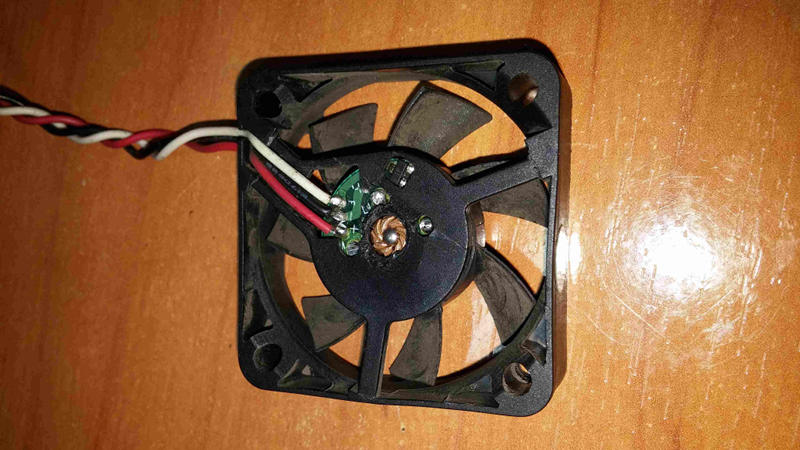
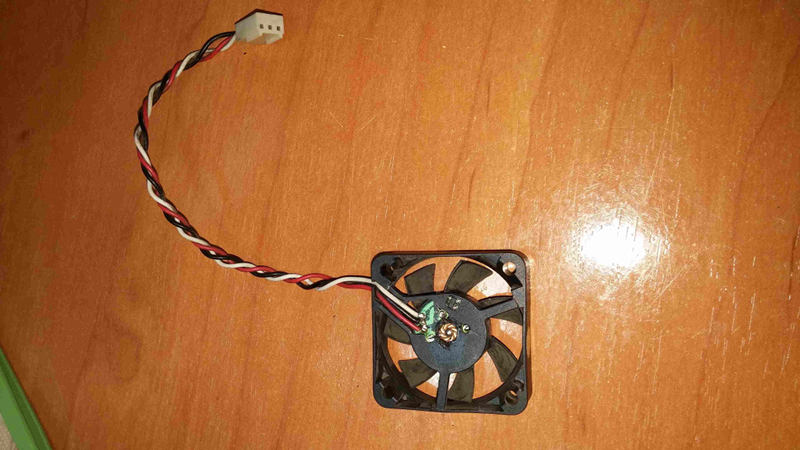
Make sure that new one has same wiring
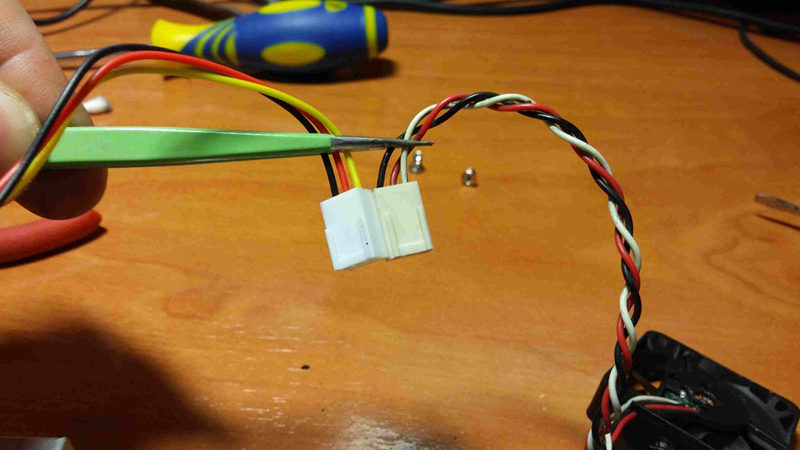
This is a new one, with bearing and maintenable
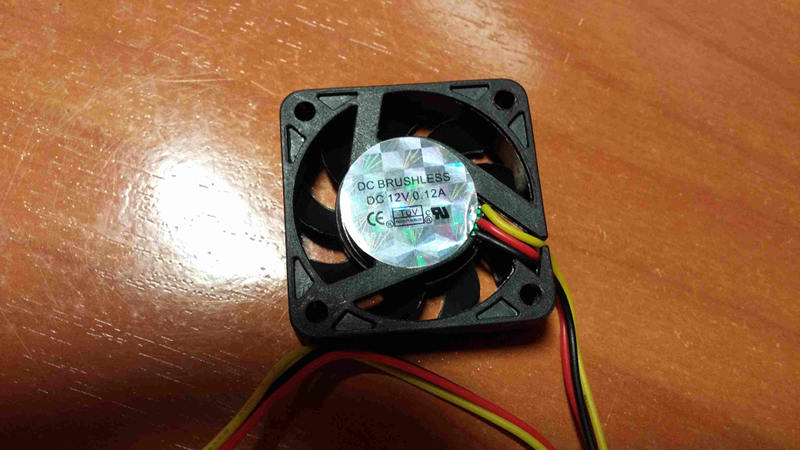
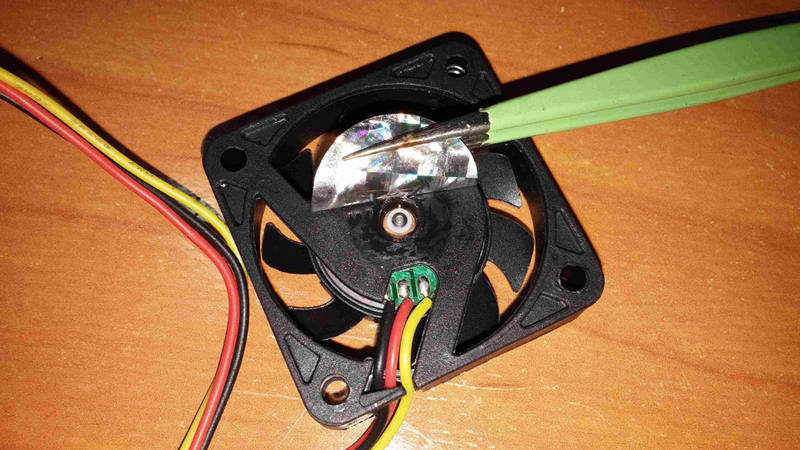
Now remove the both coolers rotating them a bit, slowly, then clean both silicons and both coolers (removing cmos battery first is recommended)
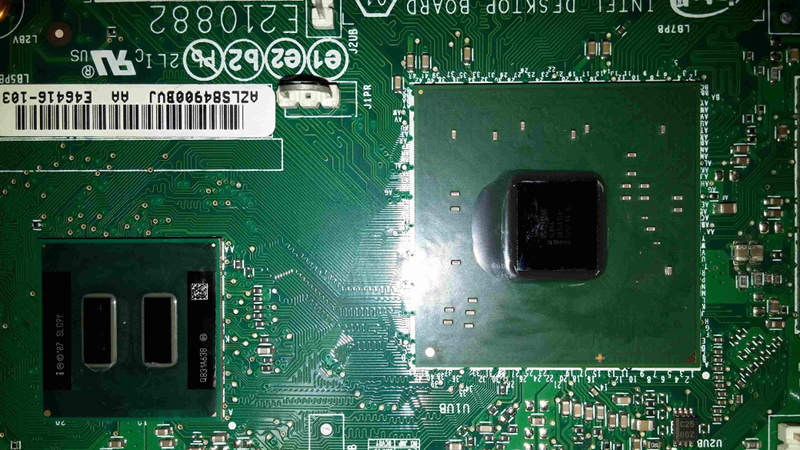
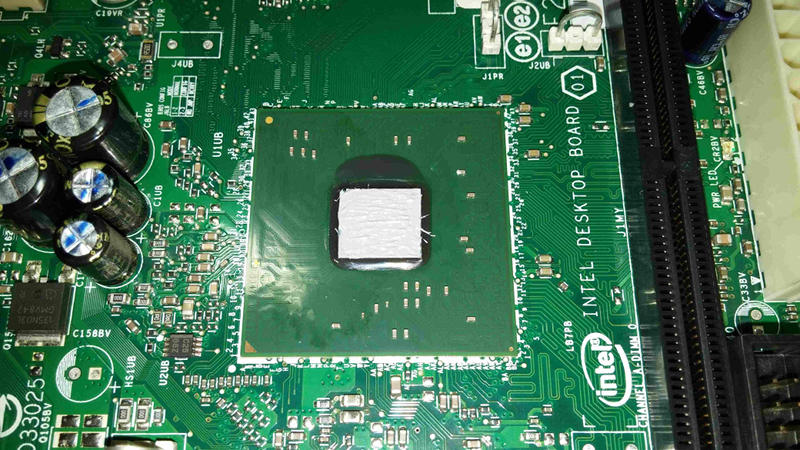
Put a little bit of non conductive thermal paste on both silicons (only cpu silicon iis shown on that image)
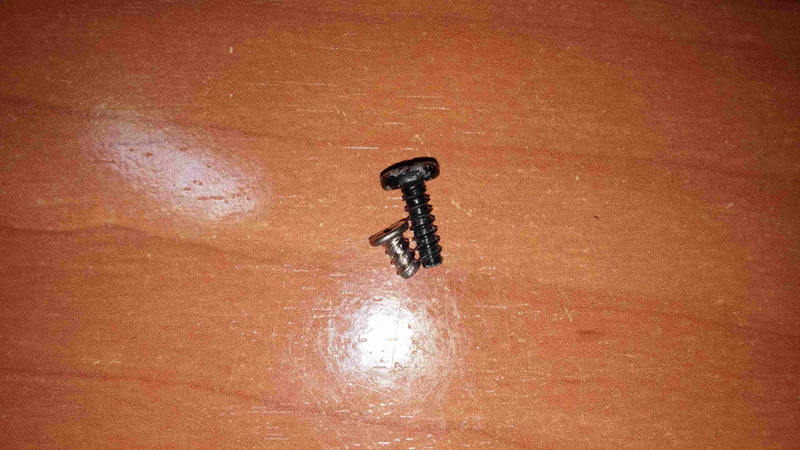
Before assembling new fan, some need new longer screws, make sure having these (on the left is original one, too short for new fan)
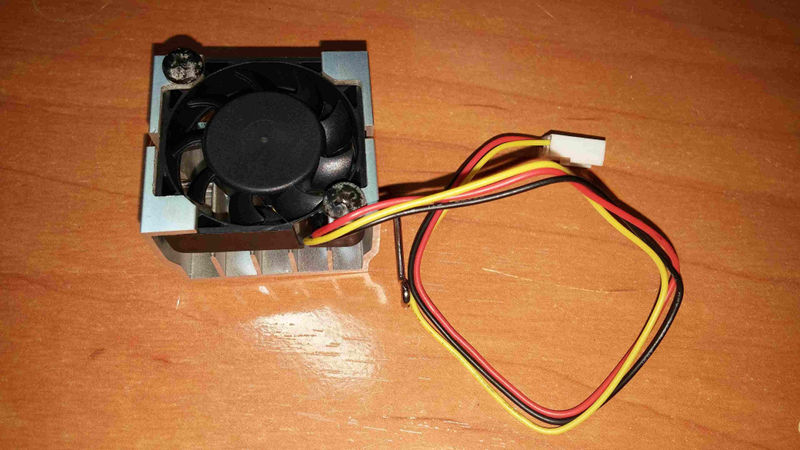
After that, assemble your new fan into CPU cooler
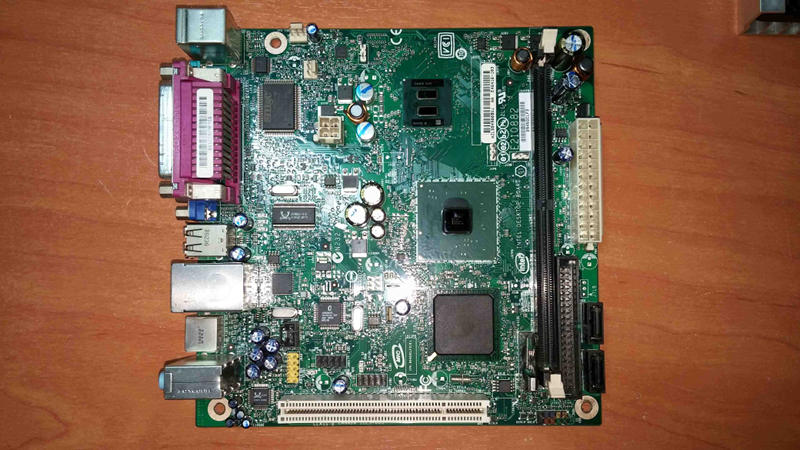
Finally assemle both coolers on both chips, do not forget put in the CPU fan connector back, and you are done.
Expanded_Specifications
| Specifications | |
|---|---|
| Manufacturer | Intel |
| Name/Variant | D945GCLF |
| Released | 2008 |
| Chipset | Intel 945GC |
| CPU | Intel Atom 230 |
| Graphics | GMA 950 |
| Audio | Realtek ALC662 |
| Memory | DDR2 SODIMM max. 2 GB, 1x2GB |
| Networking | RealTek RTL8102EL |
| Expansion Slots | PCI |
| Storage connectors | 2x SATA II, IDE |
| Other Connectors | Headers; dual USB 2.0 |
| I/O Ports on Back | PS/2 Mouse+Keyboard, SCOM, VGA, Parallel, 4x USB 2.0, RJ-45 100Mbit (Ethernet) |
| Specifications | |
|---|---|
| Manufacturer | Intel |
| Name/Variant | D945GCLF2(D) |
| Released | 2008 |
| Chipset | Intel 945GC |
| CPU | Intel Atom 330 |
| Graphics | GMA 950 |
| Audio | Realtek ALC662 |
| Memory | DDR2 SODIMM max. 2 GB, 1x2GB |
| Networking | Realtek RTL8111C |
| Expansion Slots | PCI |
| Storage connectors | 2x SATA II, IDE |
| Other Connectors | Headers; 2x dual USB 2.0 |
| I/O Ports on Back | PS/2 Mouse+Keyboard, SCOM, VGA, Parallel, 4x USB 2.0, RJ-45 1GbE (Ethernet), S-VIDEO (D945GCLF2 only) , S/PDIF |
The Canoeboot version of this page is: https://canoeboot.org/docs/install/d945gclf.html
Markdown file for this page: https://libreboot.org/docs/install/d945gclf.md
This HTML page was generated by the Libreboot Static Site Generator.