---
title: 自由且开源 BIOS/UEFI 固件
x-toc-enable: true
...
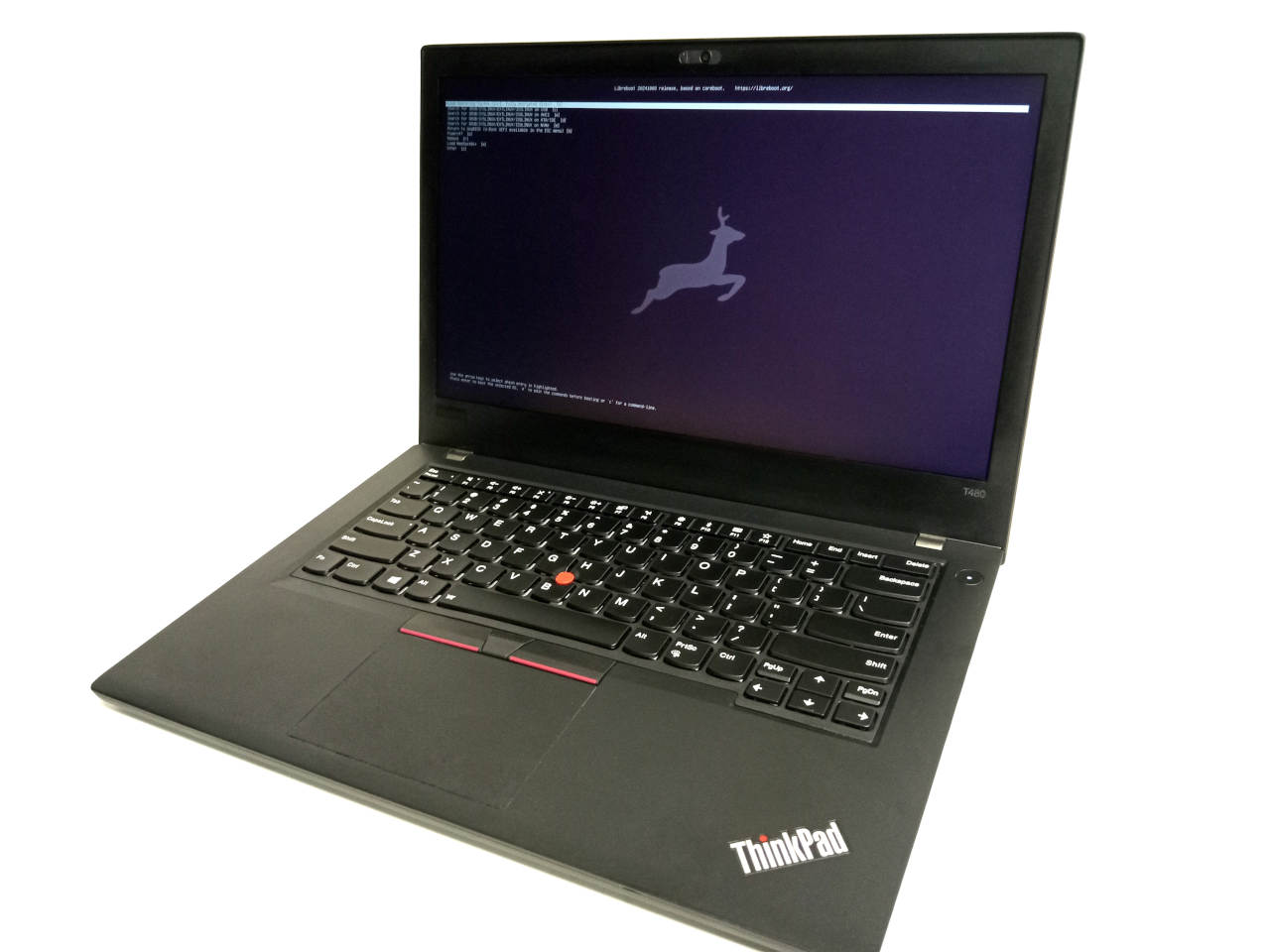
*Libreboot* 项目提供基于 coreboot 的[自由且开源](https://writefreesoftware.org/zh-cn/)的引导固件,以替代基于 Intel/AMD x86 和 ARM 的特定主板(包括笔记本和台式电脑)上的专有 BIOS/UEFI 固件。它首先初始化硬件(如内存控制器、CPU、外设),然后为操作系统启动引导加载程序(bootloader)。本项目对 [Linux](docs/linux/) 和 [BSD](docs/bsd/) 支持良好。如果需要寻求帮助,可以前往 [Libera](https://libera.chat/) IRC 上的 `#libreboot` 频道。
 On [8 September 2025](news/spi.html), Libreboot became an official [Associated
Project](https://www.spi-inc.org/projects/libreboot/) at SPI ([Software in
the Public Interest](https://www.spi-inc.org/)).
Libreboot provides GNU boot loader "[GRUB](docs/linux/)" and SeaBIOS payload
on x86/x86\_64
Intel/AMD motherboards, and a [U-Boot UEFI payload](docs/uboot/) *for coreboot*
on ARM64(Aarch64) motherboards.
An [x86/x86\_64 U-Boot UEFI payload](docs/uboot/uboot-x86.md) is also available
on some boards. The x86, x86\_64 and arm64 U-Boot payloads provide a lightweight
UEFI boot implementation, which can boot many Linux distros and BSD systems.
The SeaBIOS and GRUB payloads also boot Linux/BSD systems. Which one you use
depends on your preferences. Libreboot's design incorporates all of these boot
methods in a single image, so you can choose which one you use at boot time,
and more payloads (e.g. Linux kexec payload) are planned for future releases.
**新版发布: 最新版本 Libreboot 26.01 已在 2026 年 01 月 30 日发布。详见: [Libreboot 26.01 发布公告](news/libreboot2601.md).**
你也可以从 Minifree Ltd [购买特定硬件的 Libreboot 电脑](https://minifree.org/),
或者将兼容硬件寄来预装 Libreboot。
Libreboot 的创始人和主要开发者,Leah Rowe,也是 Minifree 的所有者和经营者;
销售电脑为 Libreboot 提供资金。
为什么要使用 *Libreboot*?
----------------------------
Libreboot 赋予了你从其他大多数引导固件得不到的[自由](https://writefreesoftware.org/)。同时,它启动速度更快,[安全性也更好](docs/linux/grub_hardening.md)。它功能强大,可针对多种使用情况进行配置。
*我们*相信,不受限制地[研究、分享、修改及使用软件](https://writefreesoftware.org/)的自由,是每个人都必须享有的基本人权的一部分。这时,*软件自由*至关重要。你的自由至关重要。教育至关重要。[修理权](https://en.wikipedia.org/wiki/Right_to_repair)至关重要。尽管许多人在用[自由的操作系统](https://www.openbsd.org/),但他们用的引导固件却是专有(非自由)的。专有固件常常[包含](faq.html#intel)了[后门](faq.html#amd),而且可能有很多缺陷。为了让不懂技术的用户也能使用 coreboot 固件,我们于 2013 年 12 月成立了 Libreboot 项目,
Libreboot 项目使用 [coreboot](https://www.coreboot.org/) 来[初始化硬件](https://doc.coreboot.org/getting_started/architecture.html)。对大部分不懂技术的用户来说,coreboot 是出了名地难安装;它只处理了基础的初始化,然后跳转进入单独的 [payload](https://doc.coreboot.org/payloads.html) 程序(例如 GRUB、[Tianocore](https://www.tianocore.org/)),而后者也需要进行配置。*Libreboot 解决了上述问题*;作为 *coreboot 发行版*,配有[自动构建系统](docs/build/),能构建完整的 *ROM 映像*,从而让安装更加稳定。另有文档可参考。
Libreboot 不是 coreboot 的分支
-----------------------------------
On [8 September 2025](news/spi.html), Libreboot became an official [Associated
Project](https://www.spi-inc.org/projects/libreboot/) at SPI ([Software in
the Public Interest](https://www.spi-inc.org/)).
Libreboot provides GNU boot loader "[GRUB](docs/linux/)" and SeaBIOS payload
on x86/x86\_64
Intel/AMD motherboards, and a [U-Boot UEFI payload](docs/uboot/) *for coreboot*
on ARM64(Aarch64) motherboards.
An [x86/x86\_64 U-Boot UEFI payload](docs/uboot/uboot-x86.md) is also available
on some boards. The x86, x86\_64 and arm64 U-Boot payloads provide a lightweight
UEFI boot implementation, which can boot many Linux distros and BSD systems.
The SeaBIOS and GRUB payloads also boot Linux/BSD systems. Which one you use
depends on your preferences. Libreboot's design incorporates all of these boot
methods in a single image, so you can choose which one you use at boot time,
and more payloads (e.g. Linux kexec payload) are planned for future releases.
**新版发布: 最新版本 Libreboot 26.01 已在 2026 年 01 月 30 日发布。详见: [Libreboot 26.01 发布公告](news/libreboot2601.md).**
你也可以从 Minifree Ltd [购买特定硬件的 Libreboot 电脑](https://minifree.org/),
或者将兼容硬件寄来预装 Libreboot。
Libreboot 的创始人和主要开发者,Leah Rowe,也是 Minifree 的所有者和经营者;
销售电脑为 Libreboot 提供资金。
为什么要使用 *Libreboot*?
----------------------------
Libreboot 赋予了你从其他大多数引导固件得不到的[自由](https://writefreesoftware.org/)。同时,它启动速度更快,[安全性也更好](docs/linux/grub_hardening.md)。它功能强大,可针对多种使用情况进行配置。
*我们*相信,不受限制地[研究、分享、修改及使用软件](https://writefreesoftware.org/)的自由,是每个人都必须享有的基本人权的一部分。这时,*软件自由*至关重要。你的自由至关重要。教育至关重要。[修理权](https://en.wikipedia.org/wiki/Right_to_repair)至关重要。尽管许多人在用[自由的操作系统](https://www.openbsd.org/),但他们用的引导固件却是专有(非自由)的。专有固件常常[包含](faq.html#intel)了[后门](faq.html#amd),而且可能有很多缺陷。为了让不懂技术的用户也能使用 coreboot 固件,我们于 2013 年 12 月成立了 Libreboot 项目,
Libreboot 项目使用 [coreboot](https://www.coreboot.org/) 来[初始化硬件](https://doc.coreboot.org/getting_started/architecture.html)。对大部分不懂技术的用户来说,coreboot 是出了名地难安装;它只处理了基础的初始化,然后跳转进入单独的 [payload](https://doc.coreboot.org/payloads.html) 程序(例如 GRUB、[Tianocore](https://www.tianocore.org/)),而后者也需要进行配置。*Libreboot 解决了上述问题*;作为 *coreboot 发行版*,配有[自动构建系统](docs/build/),能构建完整的 *ROM 映像*,从而让安装更加稳定。另有文档可参考。
Libreboot 不是 coreboot 的分支
-----------------------------------
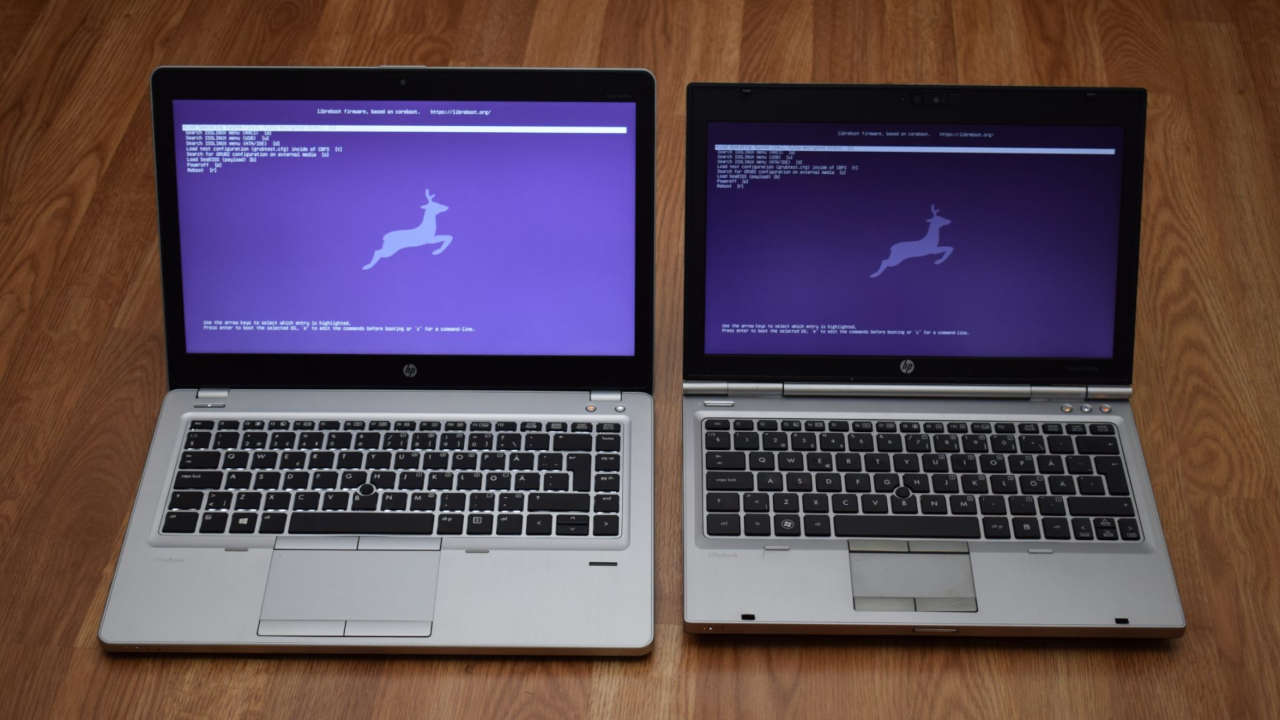 事实上,Libreboot 对每一块主板,都尽可能保持与*原版*的 coreboot 接近,但 Libreboot 构建系统也自动提供了许多不同类型的配置。
Libreboot 是一个 *coreboot 发行版*,就好比 *Alpine Linux* 是一个 *Linux 发行版*。如果想要从零开始构建 ROM 映像,那就需要对 coreboot、GRUB 以及其他所需软件进行专业级别的配置,才能准备好 ROM 映像。有了 *Libreboot*,只需下载 Git 仓库或者源代码归档,然后运行 `make`,接着就能构建整个 ROM 映像。名为 `lbmk` (Libreboot Make) 的自动构建系统会自动构建这些 ROM 映像,无需任何用户输入或干预。已经提前进行了配置。
如果要构建常规的 coreboot,不使用 Libreboot 的自动构建系统,那么需要更多干预以及相当的技术知识,才能得到可用的配置。
Libreboot 的常规二进制版本提供了这些预编译的 ROM 映像。按照[写给非技术用户的简单指南](docs/install/)安装即可,无需任何特殊的知识或技能。
如何帮助
-----------
事实上,Libreboot 对每一块主板,都尽可能保持与*原版*的 coreboot 接近,但 Libreboot 构建系统也自动提供了许多不同类型的配置。
Libreboot 是一个 *coreboot 发行版*,就好比 *Alpine Linux* 是一个 *Linux 发行版*。如果想要从零开始构建 ROM 映像,那就需要对 coreboot、GRUB 以及其他所需软件进行专业级别的配置,才能准备好 ROM 映像。有了 *Libreboot*,只需下载 Git 仓库或者源代码归档,然后运行 `make`,接着就能构建整个 ROM 映像。名为 `lbmk` (Libreboot Make) 的自动构建系统会自动构建这些 ROM 映像,无需任何用户输入或干预。已经提前进行了配置。
如果要构建常规的 coreboot,不使用 Libreboot 的自动构建系统,那么需要更多干预以及相当的技术知识,才能得到可用的配置。
Libreboot 的常规二进制版本提供了这些预编译的 ROM 映像。按照[写给非技术用户的简单指南](docs/install/)安装即可,无需任何特殊的知识或技能。
如何帮助
-----------
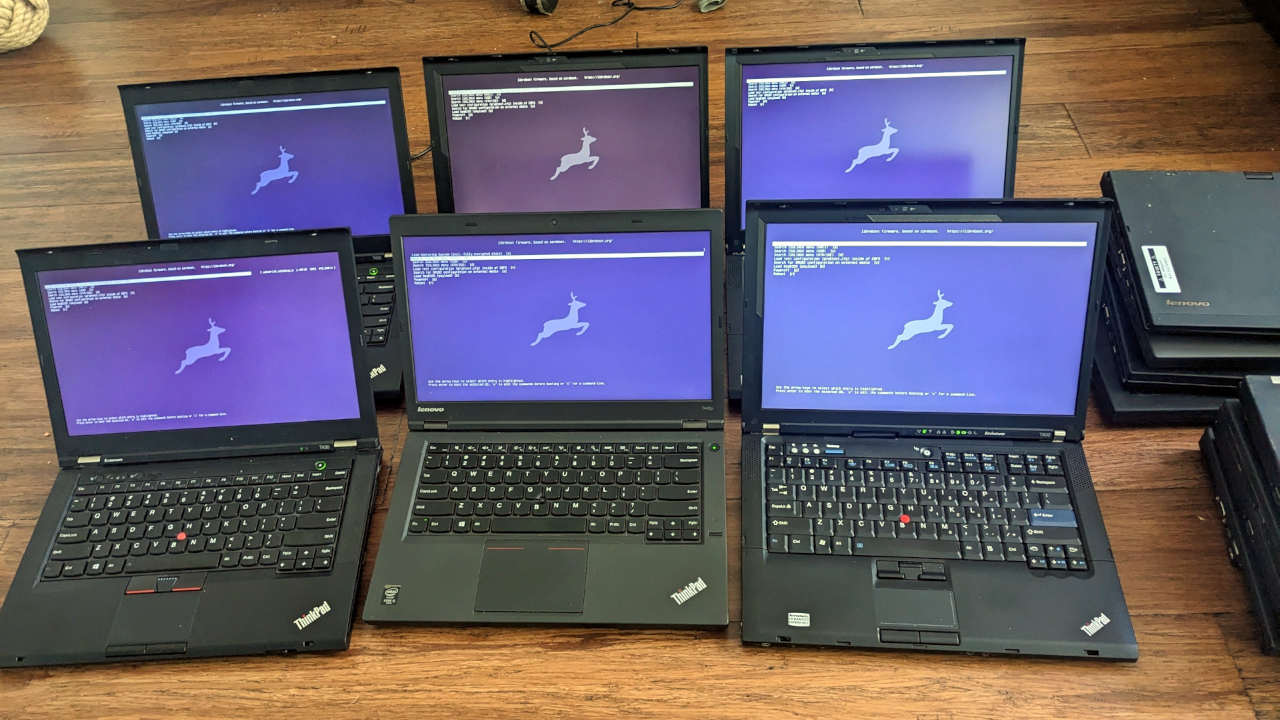 要帮助的话,*最*最好的方式,就是通过提交配置文件,来为 Libreboot *添加*新的主板。coreboot 支持的任何主板都能收录到 Libreboot,并在发布版本中附带 ROM 映像。见:
* [申请成为主板维护者/测试者](docs/maintain/testing.md)
* [新主板移植指南](docs/maintain/porting.md)
* [Libreboot 构建系统文档](docs/maintain/)
然后,就是构建系统的维护(见下)以及重要的*文档*。文档十分重要,在任何项目都是如此。
*用户支持*也十分重要。多瞧一瞧 IRC,如果你有能力帮别人解决问题(或者愿意跟他们一起学习),那对本项目的贡献会很大。
要帮助的话,*最*最好的方式,就是通过提交配置文件,来为 Libreboot *添加*新的主板。coreboot 支持的任何主板都能收录到 Libreboot,并在发布版本中附带 ROM 映像。见:
* [申请成为主板维护者/测试者](docs/maintain/testing.md)
* [新主板移植指南](docs/maintain/porting.md)
* [Libreboot 构建系统文档](docs/maintain/)
然后,就是构建系统的维护(见下)以及重要的*文档*。文档十分重要,在任何项目都是如此。
*用户支持*也十分重要。多瞧一瞧 IRC,如果你有能力帮别人解决问题(或者愿意跟他们一起学习),那对本项目的贡献会很大。
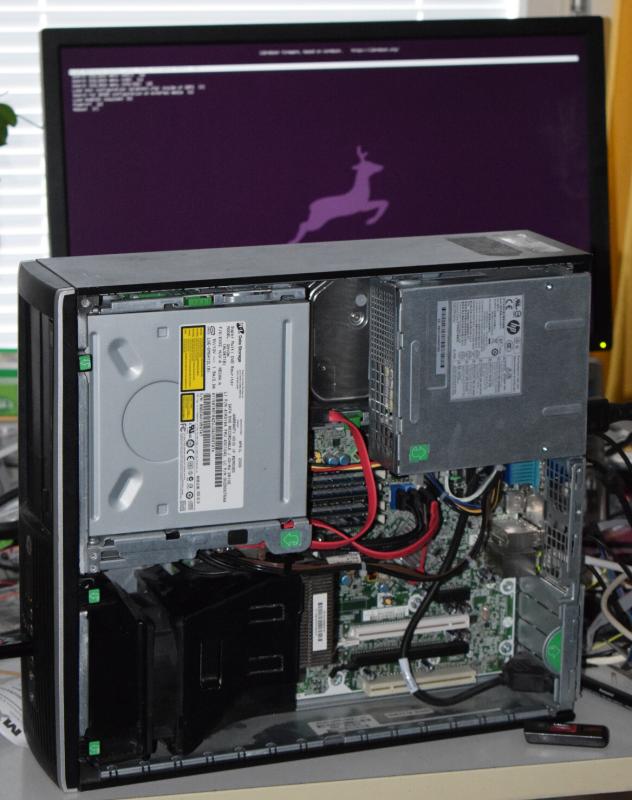 可以检查[缺陷追踪系统](https://codeberg.org/libreboot/lbmk/issues)列出的缺陷。
如果发现了一个缺陷,并且有解决方案,[这里说明了发布补丁的方法](git.md),也可以提交报告。同时,本站完全使用 Markdown 编写,并托管在了一个[单独的仓库](https://codeberg.org/libreboot/lbwww),可以在那里发送补丁。
所有开发方面的讨论以及用户支持,都是在 IRC 频道上完成的。想要了解更多,可以查看[联系](contact.md)页面。
libreboot.org 需要翻译
--------------------------------------
Libreboot 目前有乌克兰语和法语的网页翻译(但两个语言都还没翻译完所有页面)。
如果想帮忙翻译,可以翻译网页、更新已有翻译并提交译本。请阅读下面的指南:
[如何提交 libreboot.org 翻译](news/translations.md)
即使已经有人在进行某种语言的翻译了,我们也总是欢迎更多人。多多益善!
[//]: # "SPDX-License-Identifier: GFDL-1.3-or-later"
A parallel [Libreboot fork, Canoeboot](https://canoeboot.org), also exists.
Both Canoeboot and Libreboot are maintained by the same developer (Leah Rowe).
The Canoeboot version of this page is:
可以检查[缺陷追踪系统](https://codeberg.org/libreboot/lbmk/issues)列出的缺陷。
如果发现了一个缺陷,并且有解决方案,[这里说明了发布补丁的方法](git.md),也可以提交报告。同时,本站完全使用 Markdown 编写,并托管在了一个[单独的仓库](https://codeberg.org/libreboot/lbwww),可以在那里发送补丁。
所有开发方面的讨论以及用户支持,都是在 IRC 频道上完成的。想要了解更多,可以查看[联系](contact.md)页面。
libreboot.org 需要翻译
--------------------------------------
Libreboot 目前有乌克兰语和法语的网页翻译(但两个语言都还没翻译完所有页面)。
如果想帮忙翻译,可以翻译网页、更新已有翻译并提交译本。请阅读下面的指南:
[如何提交 libreboot.org 翻译](news/translations.md)
即使已经有人在进行某种语言的翻译了,我们也总是欢迎更多人。多多益善!
[//]: # "SPDX-License-Identifier: GFDL-1.3-or-later"
A parallel [Libreboot fork, Canoeboot](https://canoeboot.org), also exists.
Both Canoeboot and Libreboot are maintained by the same developer (Leah Rowe).
The Canoeboot version of this page is: