---
title: Install Libreboot on HP EliteBook 2560p
x-toc-enable: true
...

**[PLEASE READ THESE INSTRUCTIONS BEFORE INSTALLING](ivy_has_common.md), OR
YOU MAY BRICK YOUR MACHINE!! - Please click the link and follow the instructions
there, before flashing. For posterity,
[here is the link again](ivy_has_common.md).**

<div class="specs">
<center>
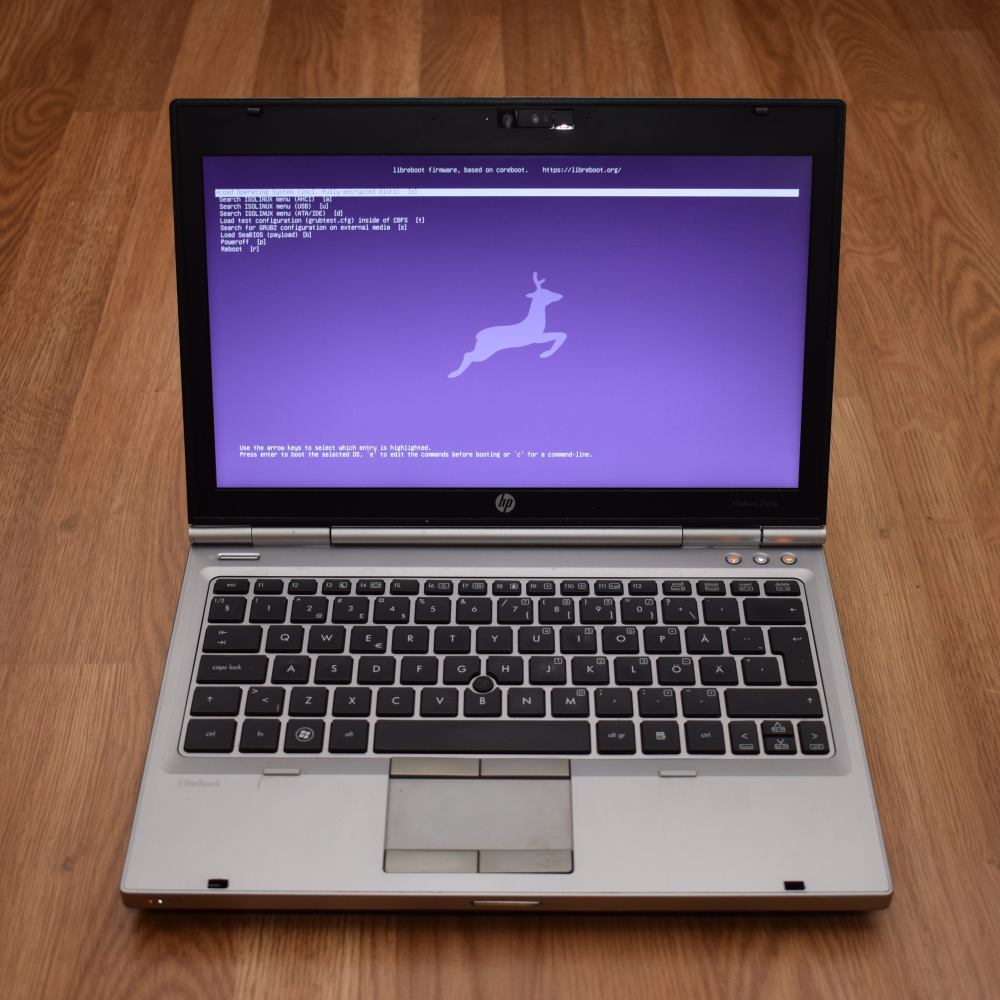
<img tabindex=1 alt="HP EliteBook 2560p" class="p" src="https://av.libreboot.org/hp2560p/grub.jpg" /><span class="f"><img src="https://av.libreboot.org/hp2560p/grub.jpg" /></span>
</center>

| ***Specifications***      |                                   |
|---------------------------|-----------------------------------|
| **Manufacturer**          | HP                                |
| **Name**                  | EliteBook 2560p                   |
| **Released**              | 2011                              |
| **Chipset**               | Intel QM67                        |
| **CPU**                   | Intel Sandy Bridge, socketed      |
| **Graphics**              | Intel HD Graphics                 |
| **Display**               | 12.5" 1366x768                    |
| **Memory**                | Up to 16GB (2x8GB)                |
| **Architecture**          | x86_64                            |
| **EC**                    | KBC1126, proprietary              |
| **Intel ME/AMD PSP**      | Present, neutered                 |
| **Flash chip**            | SOIC-8 8MiB                       |


| ***Payloads supported***  |       |
|---------------------------|-------|
| **GRUB**                  | Works |
| **SeaBIOS**               | Works |
| **SeaBIOS with GRUB**     | Works |
</div>

Open source BIOS/UEFI firmware
-------------------------

This document will teach you how to install Libreboot, on your
HP EliteBook 2560p laptop motherboard.
Libreboot is a [Free Software](https://writefreesoftware.org/learn) project
that replaces proprietary BIOS/UEFI firmware.

HP EliteBook 2560p is a 12.5" laptop you can read more about here:

<https://support.hp.com/us-en/product/hp-elitebook-2560p-notebook-pc/5071201>

Installation of Libreboot
-------------------------

Coreboot also has some information:

<https://doc.coreboot.org/mainboard/hp/2560p.html#programming>

If you're using *Libreboot release* ROM images, the ME image has been scrubbed
and you must re-insert it. Use the information on this guide to know how
to do that:

[Insert vendor files on Intel Sandybridge/Ivybridge/Haswell
platforms](../install/ivy_has_common.md)

Make sure to set the MAC address in the flash:
[Modify MAC addresses with nvmutil](../install/nvmutil.md).

Refer to the [Libreboot flashing guides](../install/spi.md)


[//]: # "SPDX-License-Identifier: GFDL-1.3-or-later"
