| ***Specifications*** | |
|----------------------------|------------------------------------------------|
| **Manufacturer** | HP |
| **Name** | EliteBook 2170p |
| **Variants** | EliteBook 2170p |
| **Released** | 2012 |
| **Chipset** | Intel QM77 |
| **CPU** | Intel Ivy Bridge ULV |
| **Graphics** | Intel HD Graphics 4000 |
| **Display** | 1366x768 11.6" TFT |
| **Memory** | Two slots, max 8GB/slot (2x16GB), DDR3/sodimm |
| **Architecture** | x86\_64 |
| **EC** | SMSC KBC1126, proprietary (in main boot flash) |
| **Original boot firmware** | HP UEFI firmware |
| **Intel ME/AMD PSP** | Present. Can be disabled with me\_cleaner. |
| **Flash chip** | SOIC-8 16MiB (128Mbit), in a socket |
```
W+: Works without vendor firmware;
N: Doesn't work;
W*: Works with vendor firmware;
U: Untested;
P+: Partially works;
P*: Partially works with vendor firmware
```
| ***Features*** | |
|---------------------------------------------------|----|
| **Internal flashing with original boot firmware** | N |
| **Display (if Intel GPU)** | W+ |
| **Audio** | W+ |
| **RAM Init** | W+ |
| **External output** | W+ |
| **Display brightness** | W+ |
| ***Payloads supported*** | |
|---------------------------|-----------|
| **GRUB** | Works |
| **SeaBIOS** | Works |
| **SeaBIOS with GRUB** | Works |
Open source BIOS/UEFI firmware
------------------------------
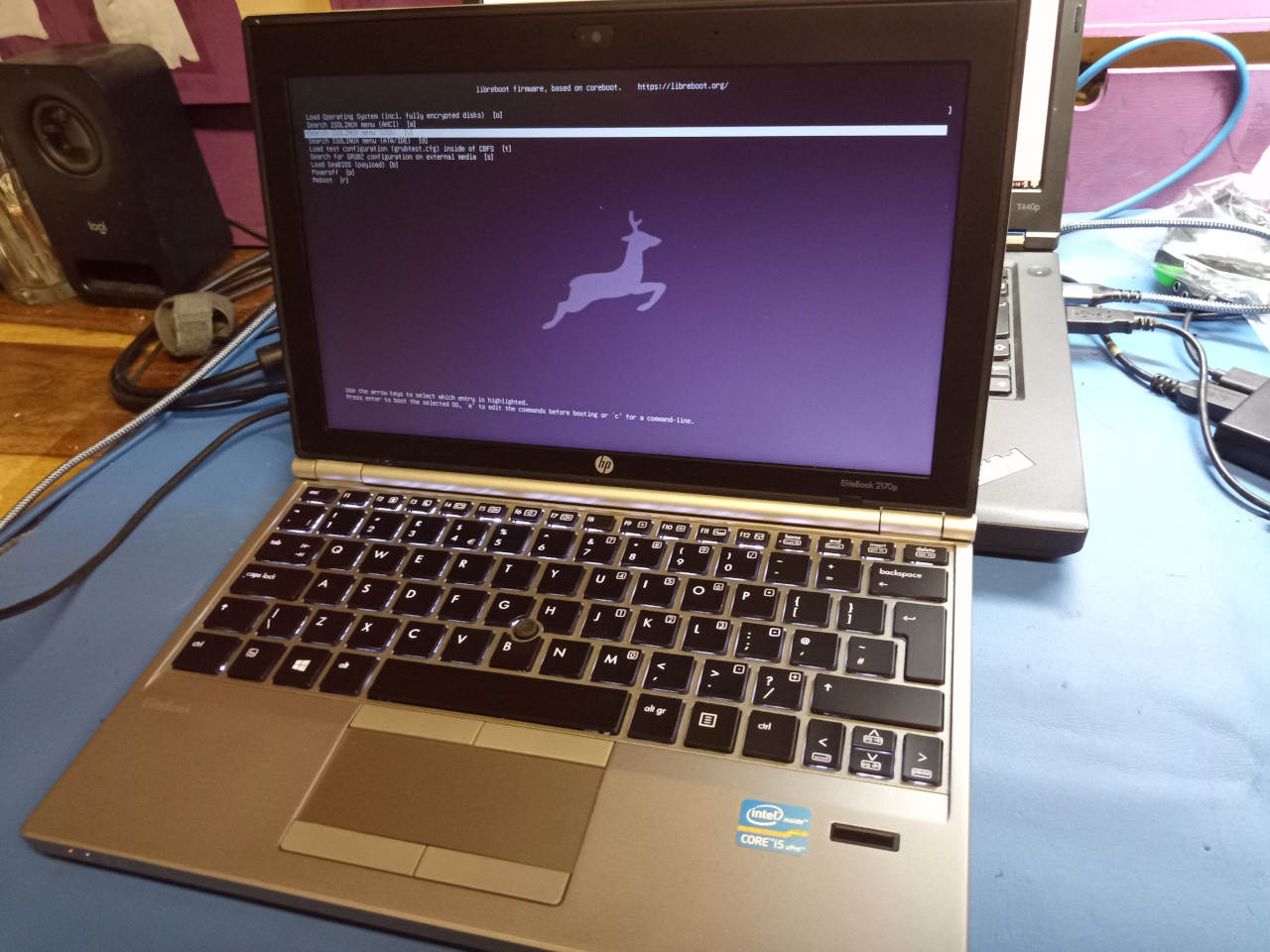
This document will teach you how to install Libreboot, on your
HP EliteBook 2170p laptop motherboard.
Libreboot is a [Free Software](https://writefreesoftware.org/learn) project
that replaces proprietary BIOS/UEFI firmware.
This is a portable, 11.6" Ivy Bridge platform from HP. More information is
available on the [coreboot
documentation](https://doc.coreboot.org/mainboard/hp/2170p.html).
**Unavailable in Libreboot 20230625 or earlier. You must [compile from
source](../build/), or use at least Libreboot 20231021.**
### Build ROM image from source
The build target, when building from source, is thus:
./mk -b coreboot hp2170p_16mb
Install Libreboot
-----------------
### Insert binary files
If you're using a release ROM, please ensure that you've inserted extra firmware
required refer to the [guide](../install/ivy_has_common.md) for that. (failure
to adhere to this advice will result in a bricked machine)
### Set MAC address
This platform uses an Intel Flash Descriptor, and defines an Intel GbE NVM
region. As such, release/build ROMs will contain the same MAC address. To
change the MAC address, please read [nvmutil documentation](../install/nvmutil.md).
### Flash a ROM image (software)
If you're already running Libreboot, and you don't have flash protection
turned on, [internal flashing](../install/) is possible.
### Flash a ROM image (hardware)
**REMOVE all power sources like battery, charger and so on, before doing this.
This is to prevent short circuiting and power surges while flashing; although
the flash is socketed, hot-swapping is generally a bad practice and must be
avoided.**
Otherwise, external flashing is simple, but *quite different* from most
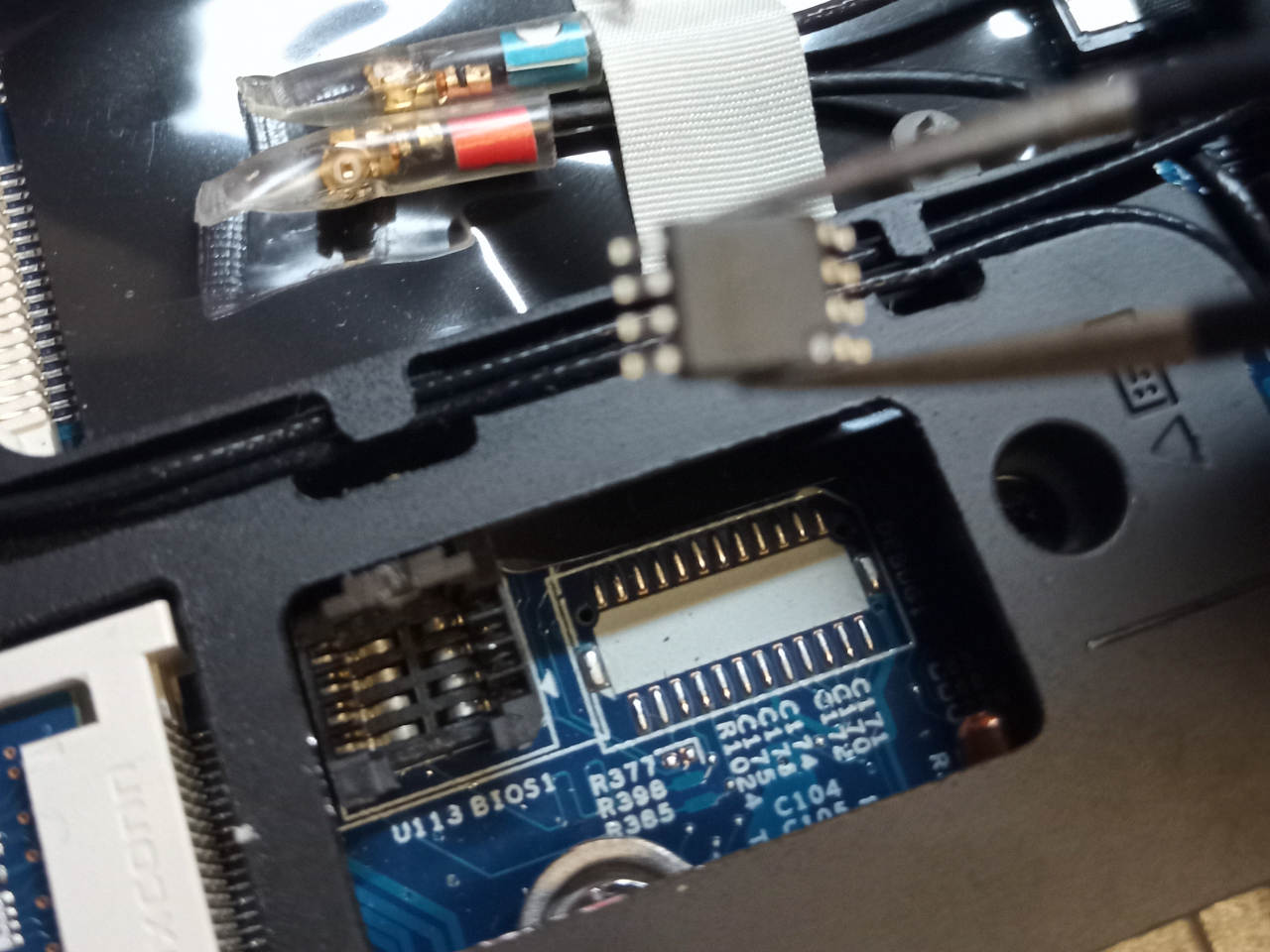
laptops! The flash is a SOIC8 IC like you'd expect, but it's *in a socket*.
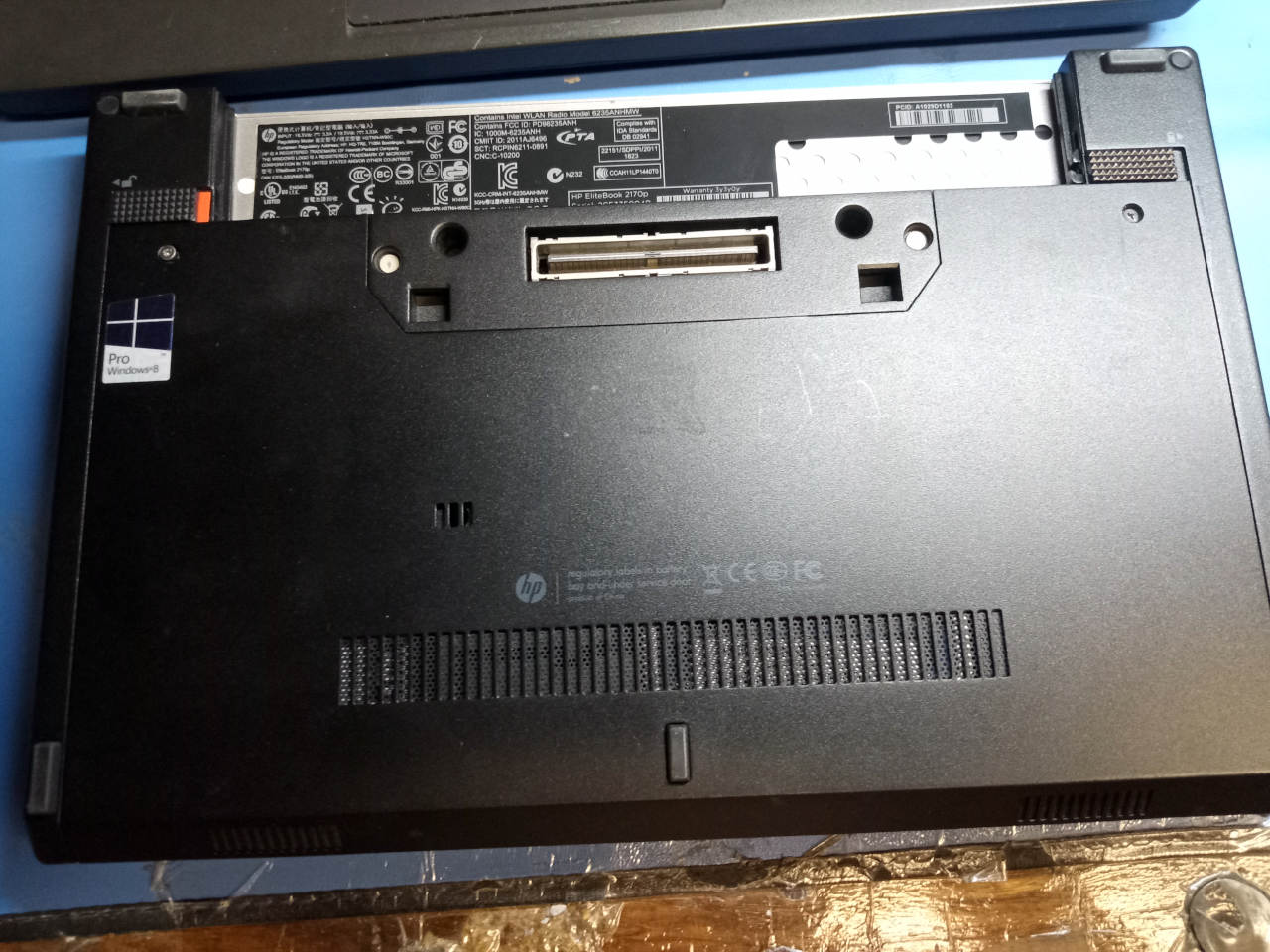
Remove those two screws and cover on the underside, and then the flash is in
this socket which you can open: